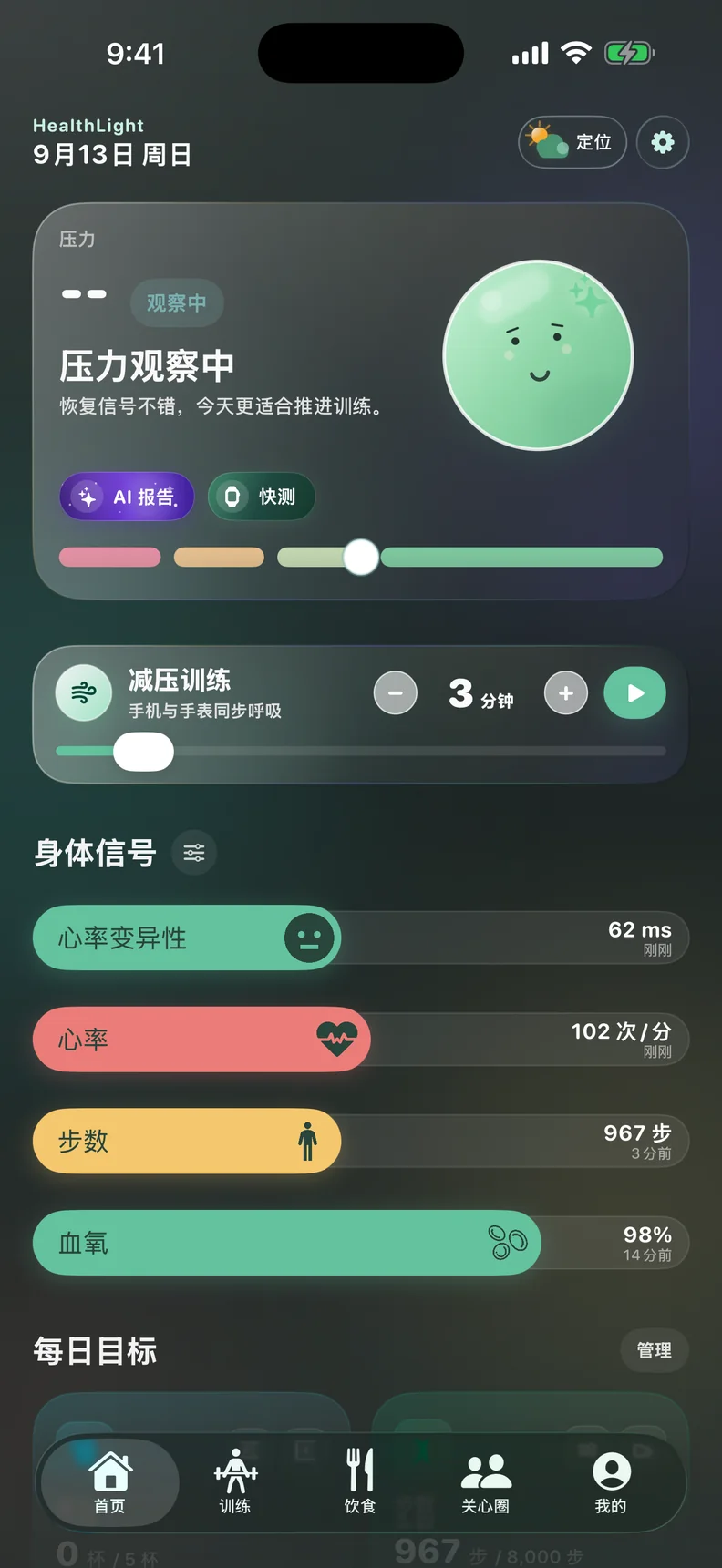
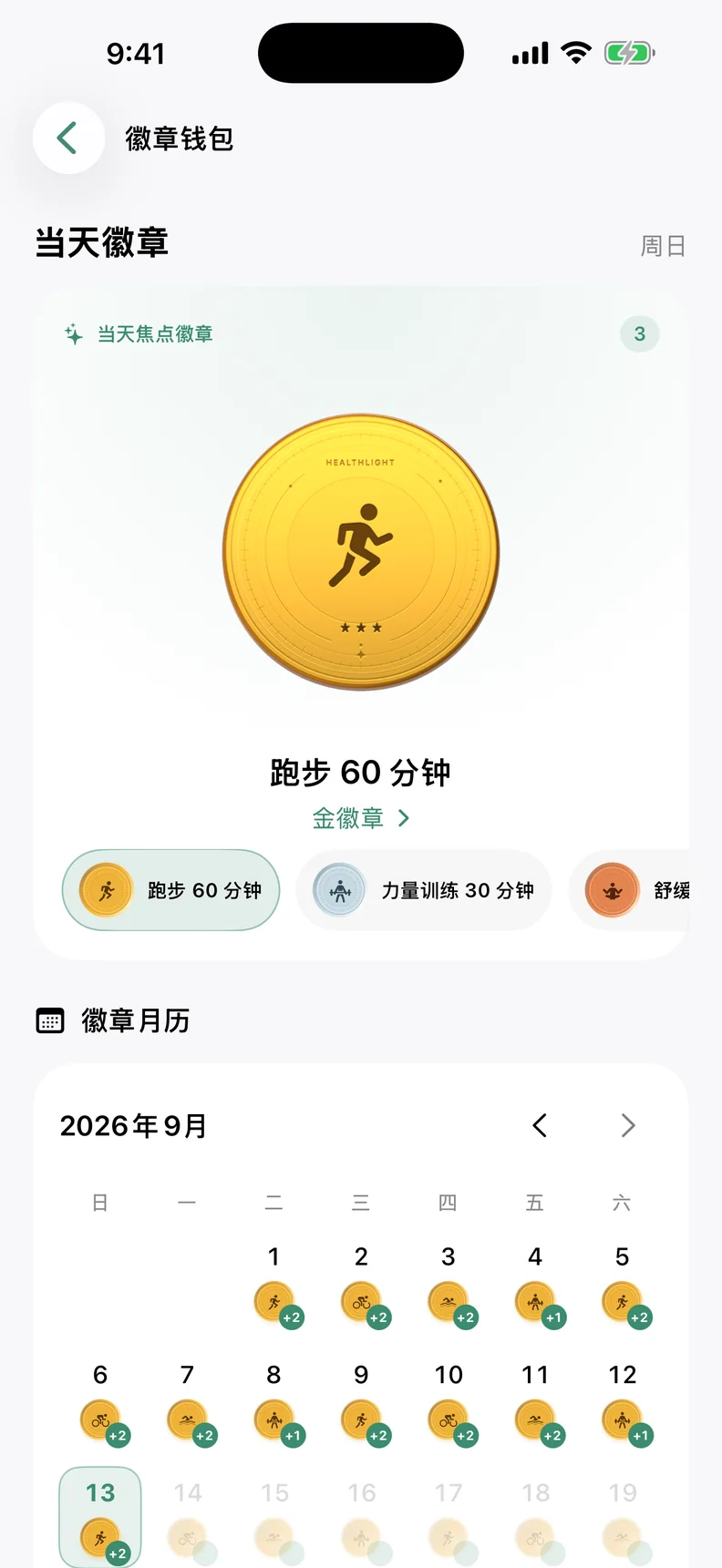
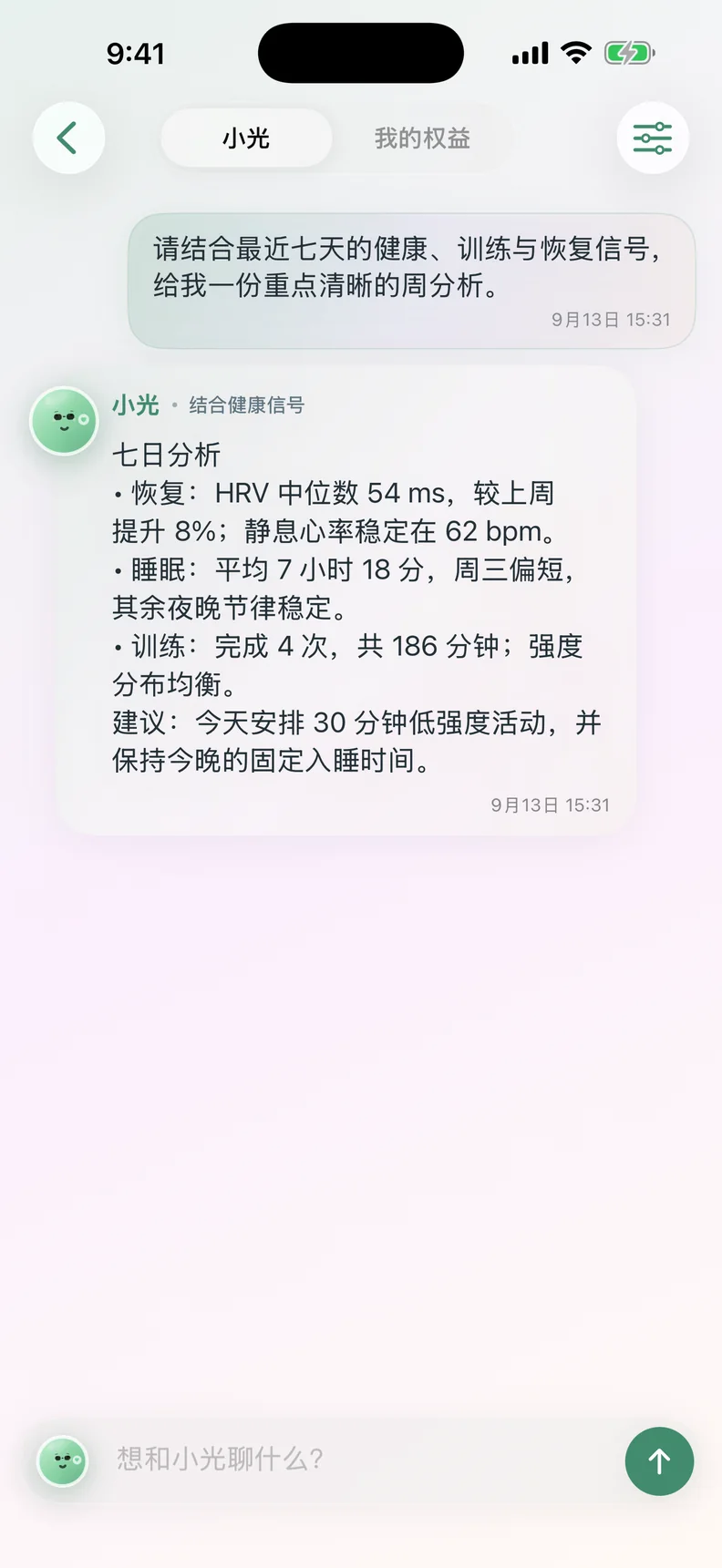
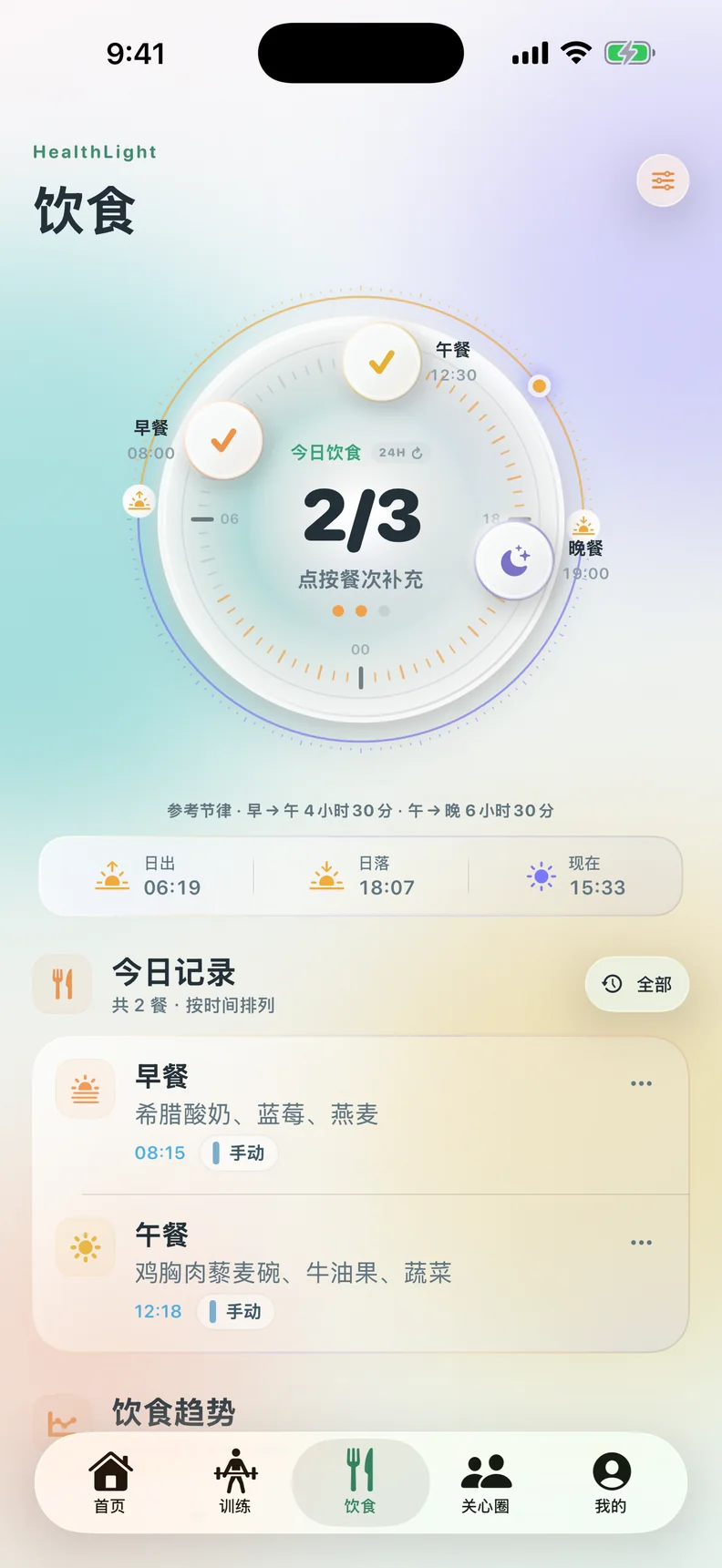
HealthLight dark Chinese interface showing Body Signals as cards
Dark · Card Body Signals
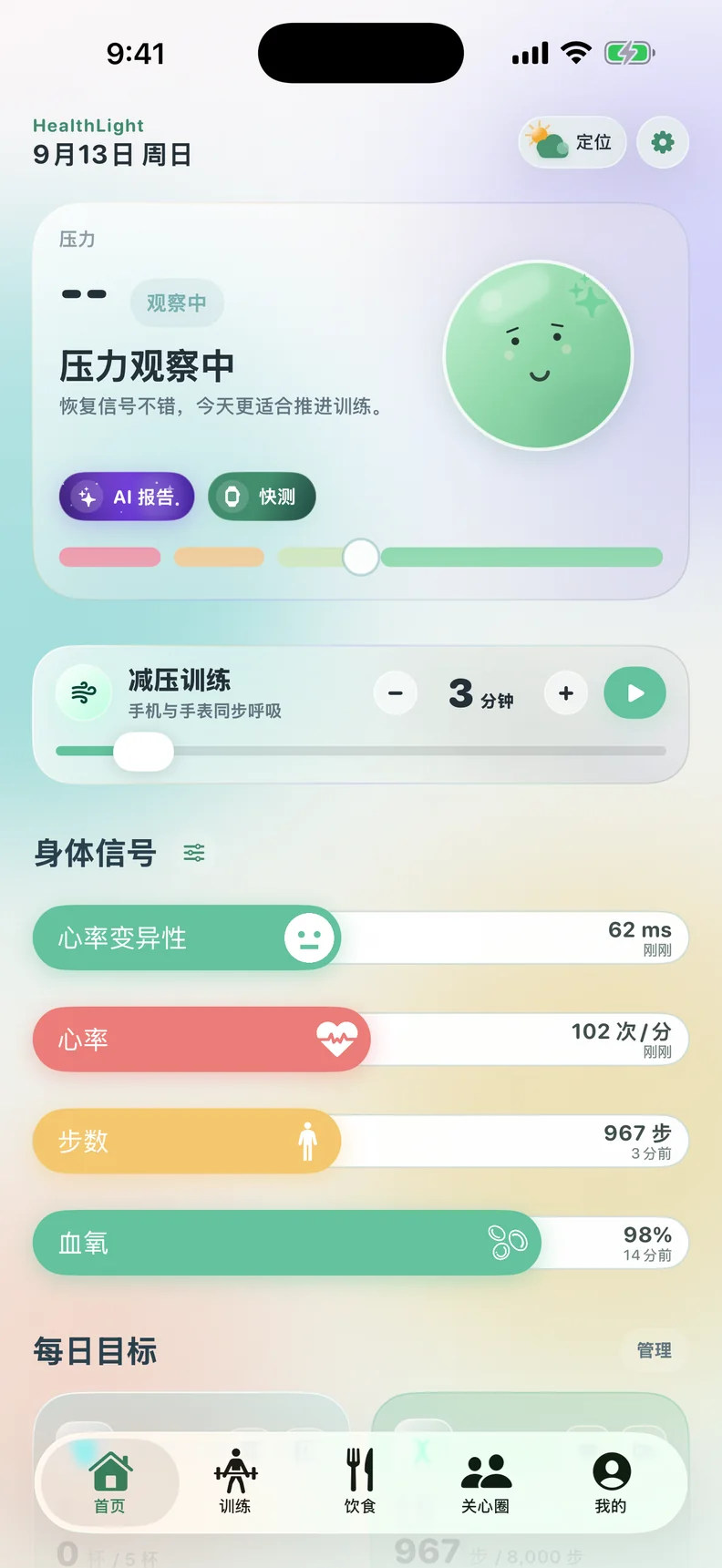
HealthLight light English interface showing Body Signals as strips
Clear interface · Body signal strip
01HealthLight

Understand your state, shape today.

HealthLight works with the Apple Health ecosystem to turn stress, HRV, heart rate, and training records into readable daily context. HealthLight turns Apple Health signals into practical daily context for recovery, training, and work rhythm.

Baiheng Technology and HealthLight co-branded mark
HealthLight light interface displayed in an iPhone 17 Pro style device
ProductsDaily status reference

Turn scattered body signals into a continuous state.

HealthLight organizes authorized health data and active records into easier-to-understand context, helping users make steadier daily decisions around recovery, training, and workload.

HRVObserve recovery and stress trends
heart rateConnect heart rate with activity rhythm
AISummarizes, never diagnoses

Make health tracking easier to understand.

With explicit permission, HealthLight AI brings HRV, heart rate, steps, training, nutrition, and recovery signals into one explanation for today, this week, and longer-term change.

AI organizes records, explains trends, and highlights what to watch next. It does not provide diagnosis, treatment, or emergency medical advice.

AI Interpretation Based on permitted data
Turn scattered signals into one readable state explanation.

First explain what changed today, then connect recent patterns to what is worth watching next.

Today
State summary
Trends
Day / Week / Month / Year
Next step
Training, nutrition, and recovery focus
free

Free

Once every 7 days

Use one cloud AI analysis in each rolling 7-day window for either an AI daily summary or one trend insight.

  • Choose one AI daily summary or one trend insight
  • Explain change using today and recent records
  • Refresh automatically on the rolling 7-day cycle
AI Pro

Continuous insight

More analysis capacity

For people who want to review health rhythms continuously, connecting daily change with weekly, monthly, and yearly trends.

  • Daily, weekly, monthly, and yearly trend insights
  • Connections across training, nutrition, and recovery
  • More capacity for AI summaries, trend insights, and Smart Log

Availability and plan status are shown in the HealthLight app.

On the wristApple Watch experience

Check your state on the wrist. Breathe with your body rhythm.

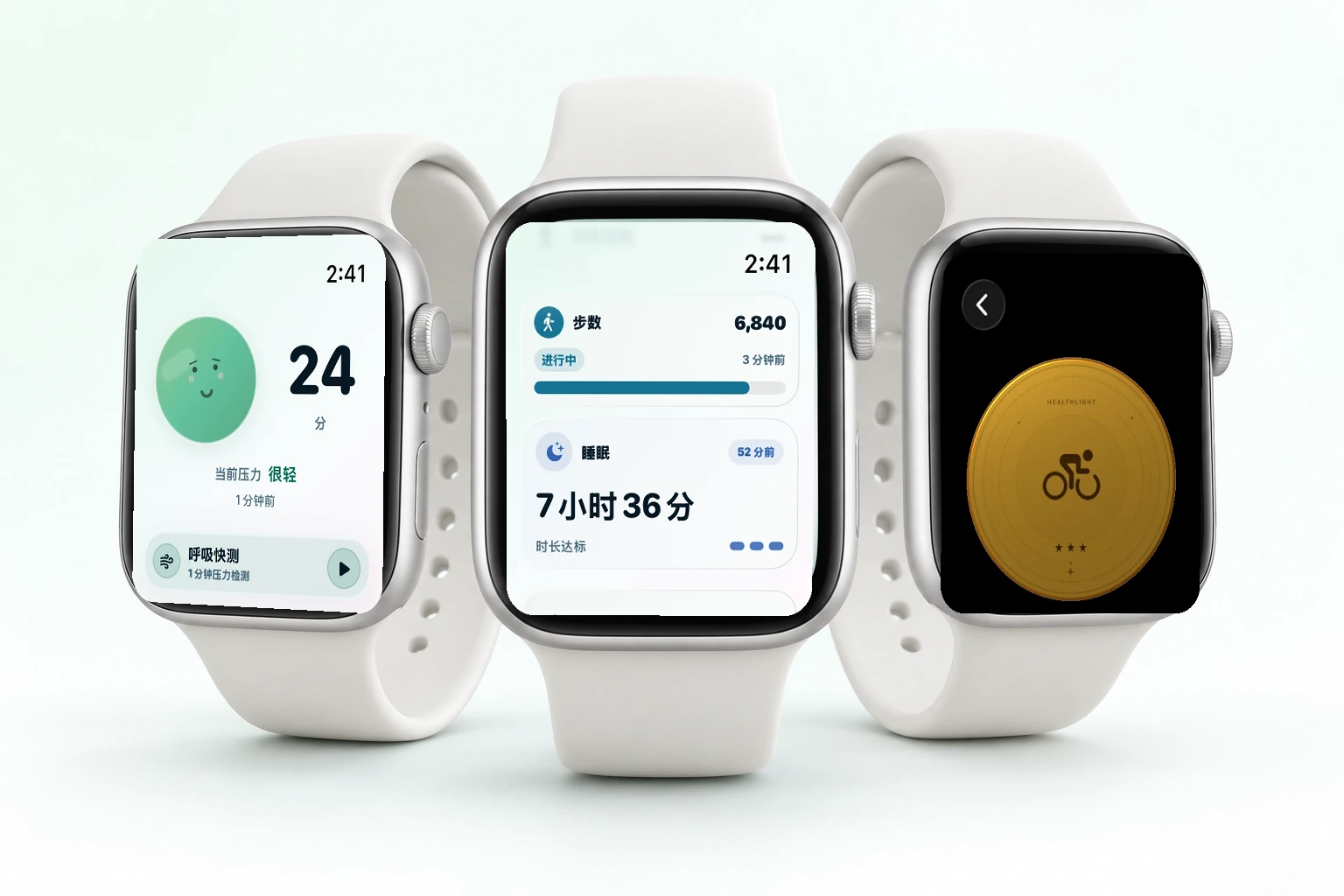
The watch experience keeps only what belongs on the wrist: one-line state cues, recovery direction, short post-training feedback, and instant breathing sessions when needed.

Designed for fast glances, subtle recovery cues, and quiet breathing sessions on Apple Watch and Apple Watch Ultra.

Glanceable stateCompress stress, recovery, and daily rhythm into one glance.
Post-training reviewPlace HRV and heart-rate changes back into the day's training context.
Breathing entryStart a lightweight session when it is time to slow down.

This page uses HealthLight-created renders to illustrate product scenarios. Apple Watch is a trademark of Apple Inc.

HealthLight Apple Watch and Apple Watch Ultra style product render

Turn each day's state into the next actionable step.

HealthBuddy is HealthLight's companion layer. Based on permitted health signals, training records, and active input, it creates morning briefs, recovery cues, and rhythm suggestions so state awareness naturally enters the day.

HealthBuddy turns permitted health signals into a calm daily companion for recovery, training, and work rhythm.

Baiheng Technology and HealthLight co-branded mark
morning briefing

Start the morning with state

Before the day begins, organize recovery, stress, and post-sleep feedback into a few clear priorities.

training window

Train without forcing it

Combine HRV, heart rate, and recent load to help users decide whether to push, maintain, or recover today.

calm check

Step in gently when needed

When tension persists, HealthBuddy can place breathing, reflection, and short reminders at better moments.

From body signals to daily rhythm, keep only the judgments that matter.

HealthLight does not chase chart overload. It combines long-term signals, daily changes, and active records into state references that can be reviewed, compared, and acted on.

01

Gather

Bring authorized Apple Health data and active records together so stress, HRV, heart rate, and training no longer sit in separate places.

02

Summarize

Place fluctuations back on a timeline and highlight recovery windows, training load, and sustained tension.

03

Plan

Bring results into today: training intensity, recovery priority, breathing sessions, and work rhythm in shorter paths.

Health information should be clear, gentle, and traceable.

HealthLight prioritizes permission, source explanation, and restrained wording. Every state cue aims to show which signals it comes from, how it should be read, and what can be adjusted next.

Visible permissionUsers can see which data is used for state reference.
Clear sourcesKey cues map back to stress, HRV, heart rate, or training records.
Consistent across languagesChinese and English keep the same meaning to reduce misreading of health information.

Put HealthLight into a real day.

The user guide follows a real usage path: permissions, today's state, breathing sessions, feedback, and the signal sources behind each cue.

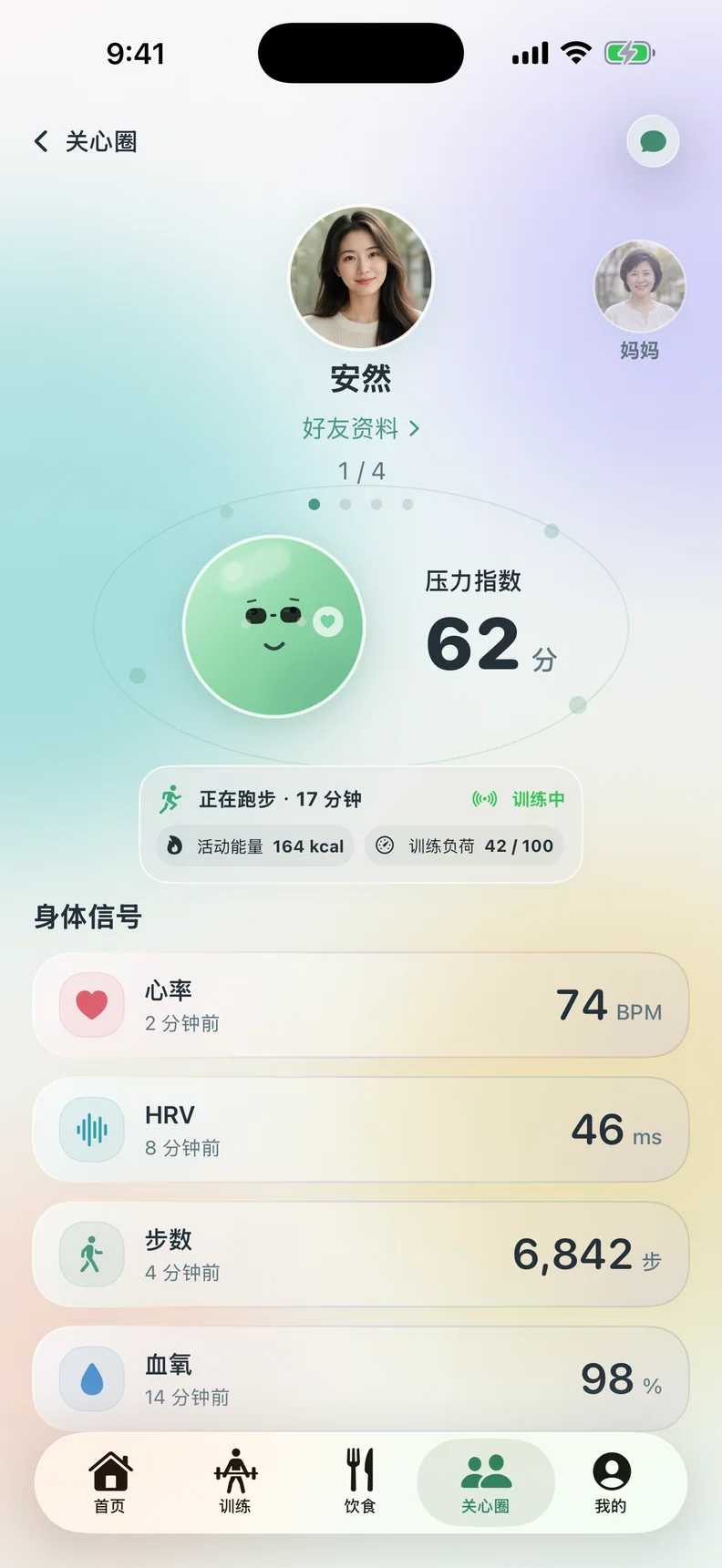
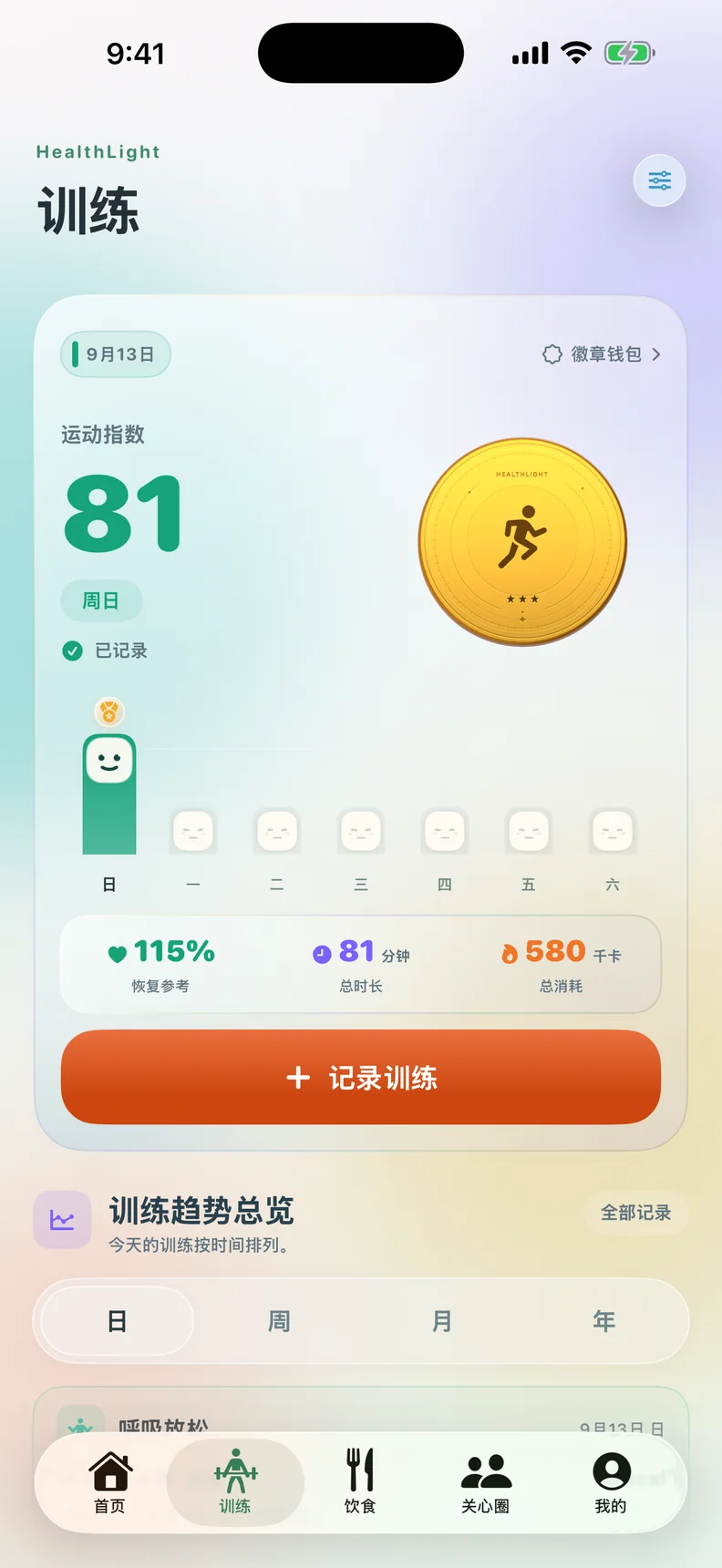
HealthLight interface displayed inside an iPhone 17 Pro style mockup
HL HealthLight Feedback

Send real product experience straight to the team.

Choose the closest category and tell us what felt rough or worth building on. Every message goes to the HealthLight product inbox.

Contact details are used only to reply to this feedback. Do not include passwords, keys, payment information, or sensitive raw health data.Privacy notice

Not sent yet. Delivery status will appear here after submission.